Table of Contents
ToggleKey Takeaways
Should you consolidate your business operations into a single platform or architect a stack of specialized tools? This is the fundamental question facing every operations leader in 2026. The honest answer: neither approach is universally better. As you weigh your options, it’s crucial to evaluate key indicators that signal when to replace your platform. Consider the scalability of your current setup and whether it can keep pace with your growing demands. Additionally, stay mindful of emerging technologies that might enhance efficiency and performance in your specific industry.
Most teams in 2026 run hybrid stacks—a core platform like HubSpot, Salesforce, or ClickUp combined with a handful of best of breed tools such as Slack, Notion, or Stripe. The days of pure all in one solutions or completely modular stacks are largely behind us.
What defines “better systems” isn’t feature lists or marketing promises. It’s measurable outcomes: more reliable operations, easier adaptation over 3-5 years, clearer data, and lower total cost of ownership. All in one platforms tend to win for smaller teams with standardized workflows and limited IT resources. Specialized tools shine in complex operations with heavy automation needs or deep regulatory requirements.
This article walks through architecture patterns, costs, risk factors, and implementation timelines. You’ll find a concrete decision framework at the end, plus FAQs addressing common concerns about switching strategies and AI integration.
The Core Decision in 2026: Platform Suite or Modular Stack?
The period from 2024-2026 brought an explosion of SaaS options alongside growing pressure to simplify. AI “operating systems” like Microsoft Copilot and HubSpot’s AI assistant now embed intelligence natively into platforms, making all in one software more attractive than ever for small-to-mid teams.
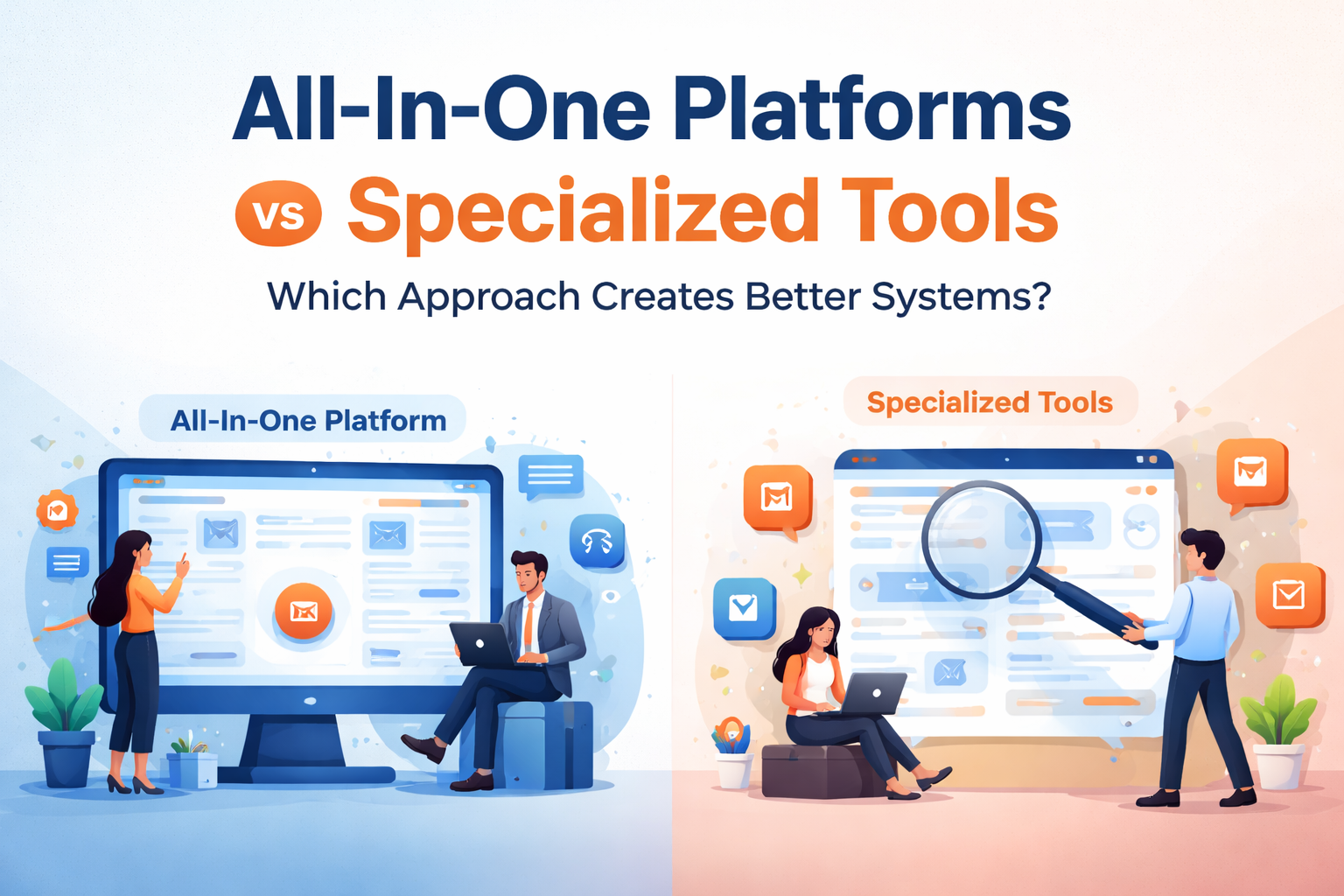
Two architectural patterns dominate the landscape. The first is an integrated suite approach—platforms like Zoho One or Microsoft 365 Business that bundle CRM, project management, support, and reporting into one connected environment. All-in-one platforms are often referred to as a ‘unified solution’ because they provide an integrated suite of tools, enabling businesses to streamline marketing efforts and ensure coordinated management across multiple channels. The second is a modular stack built from different tools: Asana for projects, Slack for communication, Notion for documentation, Zendesk for support, and Stripe for payments.
Let’s clarify the terminology used throughout this article. An “all in one platform” means integrated suites with a single data model and UI. A “specialized tool” refers to single-function excellence. A “hybrid stack” mixes a “system of record” (like Salesforce for customer data or NetSuite for finance) with “systems of engagement” (like Slack for collaboration). Research shows typical mid-market companies now run 80-120 SaaS applications—and most are actively trying to consolidate without losing critical niche capabilities.
This article focuses on system design choices rather than brand-by-brand comparisons. The thinking applies equally to CRM systems, marketing platforms, operations, finance, or product stacks.
All-in-one Platforms: The Integrated Suite Approach
What does “all in one” actually mean in practice? These are bundles like HubSpot CRM Suite, Zoho One, Odoo, or Monday.com Work OS that cover CRM, projects, support, basic automation, and reporting under a single platform.
These suites became popular after 2015 as cloud maturity increased and SMB digitalization accelerated. Organizations wanted to eliminate vendor sprawl and avoid costly integration projects. The appeal was clear: one login, one vendor, one bill.
Modern all in one systems now include embedded AI features. HubSpot’s AI content assistant helps draft emails and blog posts. Microsoft Copilot works across documents, spreadsheets, and presentations. These capabilities make suites increasingly attractive to small and mid-size teams who want automation without external iPaaS tools like Zapier or Make.
Key Advantages of All-in-one Platforms
The most immediate benefit is unified workflows. Lead capture flows seamlessly to invoicing. Support tickets connect directly to renewal conversations. There’s no API mapping required, no data reconciliation headaches.
Consider a 15-person B2B agency running client work entirely in ClickUp or Monday.com. They get single login access, shared timelines for sales, service, and billing, and reduced onboarding time—from weeks to days for new hires.
The single data model eliminates reconciliation errors that plague multiple systems. Customer data lives in one place. When a sales rep updates a contact, support sees it immediately. Billing has the same information. This data consistency reduces reporting errors by 20-40% compared to loosely-connected stacks.
Companies standardizing on a suite like Zoho One report saving 20-30% on software spend by replacing 5-7 separate tools. Beyond licensing, there’s one vendor support relationship, one help center, and simplified contract renewals.
Built-in integrations inside suites—CRM to marketing to service flows—often provide “good enough” automation for teams that don’t need enterprise-grade customization. Many organizations find they can skip iPaaS tools entirely.
Common Drawbacks and Risks of All-in-one
The breadth-versus-depth trade-off is real. One vendor covers many areas but rarely matches a true specialist in any single domain. Your marketing team might outgrow basic email automation and need Klaviyo’s advanced capabilities. Your product team might require Jira-level issue tracking instead of generic task lists.
Vendor lock in dynamics create significant switching costs. Custom objects, proprietary automation workflows, and embedded reporting make migrations expensive. Organizations that adopted all in one tools in 2021-2022 are now discovering that moving to new architectures involves data exports, automation rebuilds, and costs in the tens of thousands.
Scaling challenges emerge as process complexity grows. Multi-region operations, multi-brand structures, and compliance-heavy industries often find monolithic suites become bottlenecks. If the vendor’s roadmap lags behind your business needs, you’re stuck waiting.
Resilience risk is the hidden danger few consider upfront. A single critical outage on your all in one provider can take down sales, support, and billing simultaneously. When multiple platforms spread across multiple vendors, one failure doesn’t cascade everywhere.
Specialized Tools: Best-of-breed Components
Best of breed tools means narrow, high-performing software excelling in a single domain. Think Salesforce for enterprise CRM, Notion for knowledge management, Linear or Jira for engineering, Stripe for payments, and SEMrush for SEO.
Modular stacks emerged alongside strong APIs from 2016-2024. Tools like Zapier, Make, Workato, and Segment made it easier to connect apps without heavy IT teams. Suddenly, you could orchestrate 15 specialized tools into a coherent tech stack.
A typical 2026 product-led SaaS startup might run Intercom for support, Stripe for billing, Amplitude for analytics, HubSpot for marketing efforts, and GitHub/Jira for development. Each tool focuses on what it does best.
Strengths of Specialized, Best-of-breed Tools
Depth and configurability define specialized software. Consider how Figma transformed design collaboration compared to generalist tools. SEMrush provides SEO analytics that no all in one marketing platform matches. Datadog offers observability features that generic monitoring can’t touch.
These tools provide deeper functionality: advanced features, granular permissions, and domain-specific analytics that power users demand. Your marketing team gets marketing automation capabilities that actually support sophisticated segmentation. Your engineering team gets issue tracking designed by engineers for engineers.
Modularity creates flexibility. You can replace one component—switching from Mailchimp to Customer.io in 2025—without re-platforming your entire business operations. Each tool focuses on its specialized functions without forcing dependencies.
Resilience improves when you distribute across multiple specialized tools. If your marketing automation fails, engineering or finance tools keep working. Outages and vendor problems remain contained rather than cascading across everything.
Specialized vendors often ship features faster in their niche. They respond more quickly to new channels like TikTok ads, evolving compliance protocols, or emerging trends in their domain. Large suites move more slowly by necessity.
Integration, Complexity, and Hidden Costs
The integration burden is the tax you pay for best in class tools. Mapping objects between systems, handling rate limits, and reconciling inconsistent “sources of truth” consumes significant time and energy.
Common patterns in 2024-2026 include using iPaaS platforms (Zapier, Make, Workato), CDPs (Segment, Hightouch), or data warehouses (Snowflake, BigQuery) as integration hubs. These require more integration effort but enable seamless data flow between point solutions.
Hidden costs accumulate quickly. Organizations report spending months building and maintaining CRM-to-billing-to-support syncs. Internal headcount grows—RevOps specialists, data engineers—to keep everything healthy. A 50-person SaaS company that added tools piecemeal from 2019-2024 had to pause new tooling entirely in 2025 to clean up the integration mess.
Governance challenges multiply with multiple interfaces and multiple tools. Field sprawl, inconsistent naming conventions, and duplicative operational data across tools lead to broken reports and mistrust in dashboards. When your sales teams see different numbers than finance, you have a problem.

Revenue, Efficiency, and Reliability: How Each Approach Affects Outcomes
Industry reports from Gartner and Forrester consistently show no clear “suite versus best-of-breed” revenue driver. The real determinant is how well data is integrated, how clean processes are, and how quickly teams can iterate.
Integrated data and unified platform approaches reduce lead-to-cash cycle times by 20-40%. Support resolution improves 15-30% when agents have complete customer interactions history. Onboarding speeds up. Billing errors drop.
A B2B SaaS firm standardizing on HubSpot in 2023 cut cycle time by 25% through data unity—but still added Gong for sales intelligence. An e-commerce brand’s specialist stack (Klaviyo, Stripe, Amplitude) boosted revenue 18% through advanced capabilities but required 6 months stabilizing integrations.
Loosely-integrated specialized stacks often underperform until a strong operations function develops. All in one systems may plateau when advanced segmentation, experimentation, or automation requirements emerge. Neither approach guarantees success—execution matters more than architecture.
Timeline to Value and Change Management
All in one implementations deliver visible value within 3-6 months for small teams. Larger organizations migrating from existing systems may need 12-18 months. The learning curve is steep initially but singular.
Specialized rollouts work differently. Teams might deploy one tool in 4-8 weeks and see quick wins. But building reliable integrations and standardized data models across the stack takes 6-12 months for significant improvements.
Suite rollouts require broad retraining across the organization—everyone learns the same system. Best of breed tools add multiple smaller learning curves across departments. Marketing learns one system, sales another, support a third.
Replatforming is especially costly. Moving from early decisions made in 2021-2022 to new architectures in 2026 involves data migration, custom automation rebuilds, and downtime risk. Organizations with frequent structural change—M&A activity, new business lines—may benefit from modular architectures that absorb change with less disruption.
Cost, Risk, and Governance: Looking Beyond License Prices
Pricing pages don’t tell the full story. Total cost of ownership includes licenses, implementation, integration, support, training, and “shadow IT” that accumulates when official tools don’t meet customer needs.
All in one subscriptions like per-seat bundles from Zoho One simplify budgeting. But you may pay for seats that only use a fraction of features. Separate tools start cheap but creep up as teams add “just one more” and pay in both dollars and cognitive load through ongoing maintenance.
For a 40-person company, rough 3-year TCO might look like:
Approach | Licenses | Integration/Implementation | RevOps Headcount | Total |
|---|---|---|---|---|
All-in-one | $100k | $30k | $20k | ~$150k |
Specialized Stack | $90k | $60k | $50k+ | ~$200k+ |
Governance differentiates “better systems” from chaotic ones. Who owns the architecture? How are tools approved? How are data standards enforced? How are deprecations handled? These questions matter regardless of approach.
Security, Compliance, and Vendor Risk
Consolidating onto one or two large vendors simplifies compliance audits. Fewer systems to document, fewer DPAs to manage. But this concentrates risk—one outage or breach affects everything.
Distributing client data across several specialized tools reduces blast radius but increases systems requiring SOC 2, ISO 27001, GDPR, and HIPAA compliance where applicable. Each tool needs evaluation.
Vendor viability matters for critical systems. For billing or CRM, buyers prefer financially stable platforms. For niche tools, startups may be acceptable but carry acquisition or shutdown risk.
Practical controls teams adopt in 2025-2026 include:
SSO enforcement across all tools
Just-in-time access provisioning
Data retention rules by tool category
Regular SaaS app reviews (quarterly minimum)
Before selecting any vendor, ask: What’s your SOC 2 status? What happens to my data if you’re acquired? What are your uptime guarantees? How do you handle security incidents?
Hybrid Architectures: Getting the Best of Both Worlds
The hybrid approach dominates in 2026. Choose a strong core platform as your “system of record” and add a limited set of specialized tools around it.
High-performing teams aim for “intentional hybrid”—not everything integrated with everything, but a clear map of core versus satellite tools. HubSpot as the core with Calendly for scheduling, Gong for sales intelligence, and Stripe for payments. Microsoft 365 as core plus Miro for collaboration, Figma for design, and Notion for documentation.
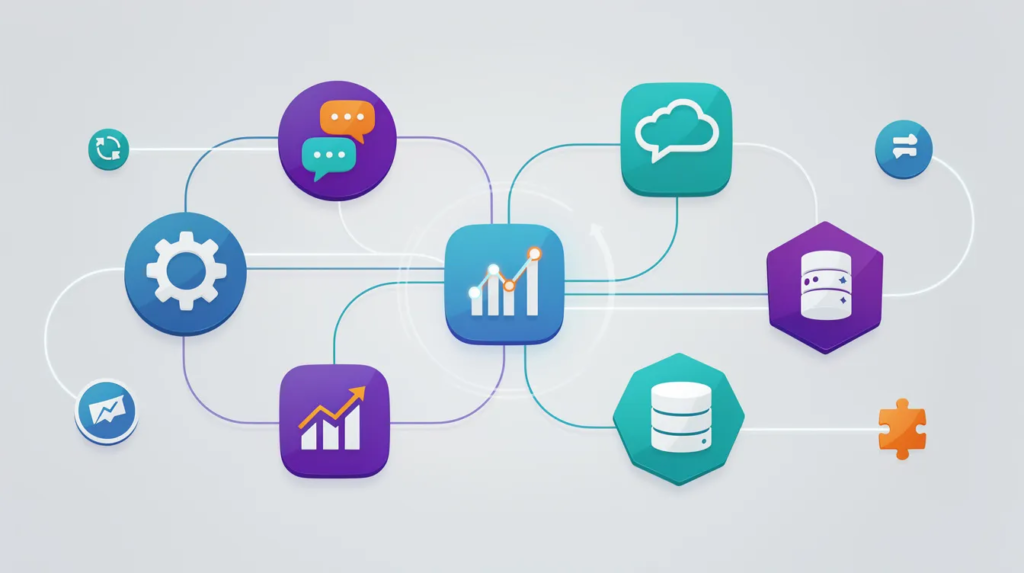
Workflow and automation layers connect suites and specialists without heavy custom code. Zapier, Make, n8n, and Workato enable seamless integration between platforms that wouldn’t otherwise communicate. This creates workflow efficiency without consolidating multiple tools into a single system.
Hybrid works for organizations with both straightforward workflows (good fit for suites) and deep domain needs requiring specialized functions. You get streamline processes where possible and competitive edge where necessary.

Design Principles for Sustainable Hybrid Systems
Pick one CRM as the master for accounts and contacts. Don’t split customer data across multiple systems. This creates your foundation for data driven decisions.
Limit tools in each category. One project management tool, one support platform, one analytics system. Duplication creates operational complexity and integration challenges.
Standardize event and property naming across tools. When “Company Name” in one system is “Account” in another, reports break. Define conventions early.
Document golden paths for core workflows. How does a lead become a customer? How does a support ticket escalate? Map these in writing.
Define 3-5 systems of record: CRM for customers, ERP/accounting for finance, HRIS for people, data warehouse for analytics. Connect specialized tools to these anchors rather than to each other.
Prioritize integrations by business value. Not every tool must sync with every other. Focus integration effort on connections that deliver measurable impact.
Create an internal architecture diagram in 2026 and update it annually. When reviews happen, teams shouldn’t start from scratch. Technology stack documentation is a living asset.
Case Studies and Examples: Real-world Outcomes from Both Approaches
The debate between all in one platforms and specialized tools isn’t just theoretical—real businesses have put both strategies to the test, with outcomes that reveal the strengths and pitfalls of each approach. Here are a few illustrative examples from the field. In many cases, the impact of platform choice on ROI is influenced by factors such as target audience and market trends. Businesses utilizing all in one platforms may find it easier to manage their operations, while those opting for specialized tools often benefit from deeper functionality tailored to specific needs. Ultimately, the decision can significantly shape not only financial returns but also customer engagement and brand loyalty.
Case Study 1: Scaling Fast with an All-in-one PlatformA fast-growing digital marketing agency with 20 employees chose an all in one platform—specifically, Zoho One—to consolidate CRM, project management, invoicing, and social media management. The unified platform allowed the team to streamline processes, reduce onboarding time for new hires, and maintain data consistency across client accounts. By consolidating multiple tools into one platform, the agency cut software costs by 25% and eliminated the need for separate integrations between sales, support, and billing. However, as the agency’s marketing efforts became more sophisticated, they found the built-in marketing automation capabilities somewhat limiting compared to best of breed tools. Still, the simplicity and seamless data flow of the all in one system outweighed the need for advanced features at their current stage.
Case Study 2: Deep Functionality with Specialized ToolsA SaaS startup focused on product analytics opted for a stack of specialized tools: Salesforce for CRM, Jira for project management, Amplitude for analytics, and Customer.io for marketing automation. This approach gave each department access to advanced capabilities tailored to their needs—marketing could run complex segmentation, while engineering benefited from deep workflow customization. The trade-off was a higher total cost of ownership and significant integration effort. The company invested in a dedicated RevOps specialist to manage data synchronisation and ensure seamless integration between systems. While operational complexity increased, the startup gained a competitive edge by leveraging best in class features that a single all in one platform couldn’t provide.
Case Study 3: Hybrid Approach for Flexibility and GrowthA mid-sized e-commerce retailer started with an all in one solution for core operations but gradually adopted specialized tools for specific functions like advanced email marketing and inventory analytics. Their tech stack evolved into a hybrid model: Shopify as the unified platform for sales and inventory, Klaviyo for targeted email campaigns, and Looker for business intelligence. By connecting these systems through cloud solutions and integration platforms, the retailer achieved both workflow efficiency and the ability to adapt quickly to changing customer needs. This hybrid approach minimized vendor lock in while allowing the business to scale and innovate without overhauling their entire technology stack.
Key Takeaway:These real-world examples show there’s no one-size-fits-all answer in the all in one debate. All in one platforms offer simplicity and unified data, making them ideal for teams prioritizing ease of use and rapid deployment. Specialized tools provide deep functionality and more granular control, but require more integration effort and operational oversight. Many organizations find that a hybrid approach—anchoring on a single system and layering in best of breed tools—delivers the flexibility and resilience needed for long-term growth. By leveraging simple tools for effective problem solving, teams can enhance their productivity without sacrificing functionality. This approach allows organizations to tackle challenges efficiently while maintaining the agility needed to adapt to changing circumstances. Ultimately, the blend of intuitive tools and specialized systems empowers businesses to thrive in a competitive landscape.
Decision Framework: How to Choose the Right Approach for Your Organization
There’s no single winner. The right choice depends on size, skills, regulatory context, growth plans, and current tool sprawl.
Start with workflow assessment. Are your processes relatively standard (basic CRM, project management, invoicing) or highly differentiated (complex manufacturing, multi-sided marketplaces)? Standard leans all in one. Differentiated leans specialized.
Evaluate skills honestly. Do you have dedicated ops, data, or IT functions? Strong internal teams can design and maintain specialized or hybrid systems. No ops function suggests suite simplicity.
Consider time horizons. Need quick wins in 12 months? All in one delivers faster. Planning for 36-month flexibility? Hybrid or specialized provides adaptability.
Assess by stage: pre-seed startup with 5 people should default to all in one. Scaling company at 30-100 people typically evolves to hybrid. Established mid-market at 100-500+ often needs specialized depth.
Reassess every 18-24 months or after major events—mergers, new product lines, international expansion. Better systems are understandable, well-governed, and adaptable—regardless of architecture pattern.
When All-in-one is Likely the Better Bet
All in one excels when your team is under 25 people with relatively standard workflows. If you lack dedicated ops or IT functions and need to be live within 60-90 days, consolidation makes sense.
Consider an early-stage B2B consultancy choosing Zoho One in 2026. They get CRM, projects, invoicing, and basic automation without hiring a RevOps specialist. A local services business standardizing on Microsoft 365 and Dynamics 365 digitizes operations quickly.
Budget constraints often favor all in one tools. Organizations that cannot afford both multiple licenses and dedicated integration resources benefit from unified solutions.
Change-averse organizations should lean toward stable, evolving platforms rather than constantly shifting arrays of apps. If tool changes create organizational friction, minimize them.
Even “all-in-one first” organizations will likely have a few specialist tools—Slack for messaging, Figma for design. But most core workflows should live in the suite.
When Specialized or Hybrid Stacks Usually Win
Regulated industries with strict reporting requirements often need specialized software that meets specific compliance standards. Multi-country operations benefit from cloud solutions that handle regional requirements.
Heavy product analytics needs—understanding user behavior at granular levels—typically require tools like Amplitude or Mixpanel that provide more granular control than suite analytics.
Organizations with strong internal ops, data, and engineering teams can design and maintain specialized systems effectively. If you have the talent, use it.
Highly differentiated workflows can’t rely solely on standard suite features. Complex manufacturing, multi-sided marketplaces, and fintech companies combining Stripe, Plaid, specialized KYC tools, and robust data warehouses need configurability.
Hybrid often starts as “all-in-one plus 2-3 critical specialists” and evolves gradually. Don’t attempt to design a perfect best-of-breed stack on day one. Let future trends and actual needs guide expansion.
FAQ
How do we move from a messy tool stack to something more coherent without disrupting the business?
Start with a phased consolidation plan. Inventory existing tools and classify them: core (must keep), adjacent (might consolidate), and retire (clearly redundant). Prioritize 1-2 critical systems—often CRM and billing—as your backbone for 2026.
Pilot changes with one team or business unit first. Sales operations might adopt the new CRM while marketing continues existing workflows. Once integrations stabilize, roll out more broadly.
Run old and new systems in parallel during migrations. Set clear cutover dates with data validation steps before retiring legacy tools. This prevents data loss and allows comparison.
Create playbooks, short videos, or office hours to help teams adapt. Communication and training prevent productivity drops during transitions. People resist change less when they understand why it’s happening and how it benefits them.
Where does AI fit into the all-in-one vs specialized tools debate?
AI now appears in both camps. Suites offer Copilot in Microsoft 365, Einstein in Salesforce, and HubSpot’s content assistant. Specialized tools provide AI-driven analytics in Amplitude and AI content suggestions in niche marketing platforms.
All in one platforms can apply AI across multiple modules—email, docs, CRM records. Specialized tools offer deeper AI in narrow domains like forecasting or anomaly detection.
Evaluate AI on concrete use cases: ticket summarization, lead scoring, content generation. Test how well features work with your actual data, not demo data. Marketing claims often exceed reality.
AI-based “operating systems” promising to orchestrate everything should face the same scrutiny about vendor lock in, transparency, and integration capabilities as any platform.
How often should we review and adjust our systems architecture?
Conduct a light-touch review annually. Perform a more substantial architecture review every 18-24 months, or after major events like mergers, new product lines, or international expansion.
Track indicators that might trigger earlier review: tool count growing rapidly, rising integration incidents, inconsistent reports across systems, or persistent workflow complaints.
Maintain a simple, up-to-date systems diagram and ownership list. When reviews happen, teams shouldn’t start from scratch. This documentation pays dividends during audits and onboarding.
Stable architecture doesn’t mean zero change. It means controlled, purposeful change aligned with strategy rather than ad hoc tool accumulation driven by individual preferences.
What skills do we need in-house to make either approach work well?
All in one platforms benefit from at least one internal “platform owner” who understands configuration, permissions, automated workflows, and key features. This person ensures the system evolves with the business. Selecting digital platforms for entrepreneurs can further streamline operations and enhance business growth. By choosing the right tools, entrepreneurs can leverage technology to improve customer engagement and drive sales. Moreover, these platforms often provide valuable analytics that help in making informed strategic decisions.
Specialized or hybrid stacks require stronger operations and data skills. You need people who think in terms of processes, data models, and integrations—not just individual tool features.
Combine domain expertise (sales ops, marketing ops, CS ops) with technical fluency. System changes should map cleanly to real-world workflows that serve specific business goals.
Even if external consultants handle setup or migration, retain internal ownership. This is essential for long-term adaptability and avoiding permanent vendor dependence.
Is it ever worth building our own internal tools instead of choosing platforms or specialists?
Custom-built internal tools make sense only for truly differentiating capabilities that off-the-shelf software cannot handle. Highly specialized logistics optimization, proprietary trading algorithms, or deeply custom quoting engines in industrial manufacturing might qualify.
Long-term maintenance costs are substantial. In-house tools become another product requiring security updates, performance improvements, and feature additions that compete with core business priorities.
Adopt a “buy, then extend” approach first. Choose a robust platform or specialized tool and only build custom components where they create clear competitive edge. Most organizations overestimate their unique requirements.