Every engineering team has documentation. The problem isn’t that it doesn’t exist—it’s that nobody uses it.
Most teams sit on mountains of docs: sprawling Confluence wikis, aging Google Drive folders, and PDF manuals that haven’t been opened since 2019. When a new engineer needs to deploy to production or an on-call responder needs to troubleshoot a database alert, they don’t reach for those docs. They ask someone in Slack. The documentation exists, but it fails at the moment of need. Long, unfocused manuals discourage reliance. Unclear instructions that alternate between explaining HTTP basics and skipping critical environment variables leave readers frustrated. This often happens when writers assume what the reader already knows, instead of clarifying the audience’s background and ensuring the documentation makes sense to everyone. Good documentation should be accessible to both technical and non technical people, so all users can find the information they need.
This article breaks down why most docs go unused—and how to create documentation that actually gets used by building it around real questions, making it findable, and treating it as a living system.
Table of Contents
ToggleIntroduction to Technical Documentation
Technical documentation is the backbone of any successful development process. It provides a clear, written description of a product, system, or feature, outlining not only how it works but also how to use it effectively. Whether you’re dealing with software documentation, user guides, or detailed instructions for a new tool, good documentation ensures that everyone—from developers to end users—can understand and operate the software with confidence.
At its core, technical documentation serves as a bridge between the people who build the software and those who use it. It explains what was built, why certain decisions were made, and how each function or feature is intended to be used. This is especially important in complex systems, where a lack of clear documentation can lead to confusion, errors, and wasted time.
Professional technical writers play a crucial role in this process. They specialize in translating complex technical concepts into clear, accessible language, making sure that documentation is both accurate and easy to follow. Good documentation doesn’t just list features—it tells a story, guiding the user through the process step by step and explaining the reasoning behind each instruction.
Ultimately, effective technical documentation empowers users to get the most out of a product. It reduces support requests, speeds up onboarding, and ensures that knowledge is preserved as teams and technologies evolve. Whether you’re writing for developers, end users, or other stakeholders, investing in high-quality documentation is one of the most impactful things you can do to support your software and your team.
Why Most Documentation Exists But Rarely Gets Used
Most teams don’t have a documentation shortage. They have a usability crisis.
Walk into any engineering organization and you’ll find plenty of written material. The trouble is that almost none of it helps when someone actually needs an answer. According to research, employees spend an average of 2 hours per day just searching for documents—and 47% describe their company’s online filing systems as confusing, outdated, or filled with irrelevant content.
Here’s what that looks like in practice:
40-page SOPs that nobody opens. Massive “process bibles” that were written once, possibly for an audit, and now gather digital dust.
“Docs” folders full of .docx files last touched in 2019. These relics reference tools, processes, and team structures that no longer exist.
Tribal knowledge living in Slack threads. Critical instructions exist only in ephemeral messages that vanish after retention policies kick in.
Wikis with 15 conflicting pages on the same topic. Nobody knows which version is current, so everyone ignores all of them.
The core problem is not “no documentation” but documentation that doesn’t help at the moment of need.
Long, unfocused manuals discourage reliance because people scan—they don’t read linearly. Outdated files erode trust. Unclear instructions that alternate between explaining HTTP basics and skipping critical environment variables leave readers frustrated.
The central thesis is simple: effective documentation is concise, current, and easy to find. It’s written as if answering a specific question someone actually asked.

What We Mean by “Documentation That Actually Gets Used”
There’s a significant difference between “checkbox documentation” produced for compliance and docs that people open daily to get their work done. Good docs—like those from projects such as PostgreSQL, Redis, Emacs, and Django—are high-quality, well-structured, and easy to navigate, making them genuinely useful and frequently referenced.
Used documentation leaves clear signals. You can measure it. You can see the impact in how your team operates. Software documentation that actually works shows up in concrete ways:
Search analytics reveal daily hits. People are actively looking for and finding specific pages.
Support tickets reference specific docs. Internal and external users cite pages when asking follow-up questions.
Engineers link to runbooks in pull requests. Docs become part of the development process, not an afterthought.
New hires reference guides during onboarding. Instead of asking the same questions repeatedly, they find answers themselves.
This article focuses on internal product and engineering documentation—runbooks, how-to guides, architecture notes, and api documentation created during the 2015–2025 SaaS era. But the principles apply equally to customer-facing help centers, user guides, and developer documentation.
The outcomes of good documentation are measurable:
Faster onboarding: new engineers productive in 2 weeks instead of 6
Fewer repeated questions cutting duplicative Slack threads
Smoother incident response with clear, trusted runbooks
Up to 60% fewer productivity barriers from knowledge gaps, according to industry research
Understanding Your Audience
One of the most important steps when you create technical documentation is understanding your audience. Knowing who will read your documentation—whether it’s API documentation for developers, user manuals for end users, or internal guides for non technical people—shapes every decision you make, from the language you use to the level of detail you provide.
Start by identifying your intended audience. Are you writing for experienced developers who need to implement an API, or for users who are new to your software and need clear, step-by-step instructions? Each group has different needs, backgrounds, and expectations. Developers might look for concise code examples and explanations of API endpoints, while end users may need more context, definitions of key concepts, and visual guides to help them navigate the interface.
Tailoring your documentation to your audience means avoiding unnecessary jargon and focusing on what’s most relevant and helpful for them. For example, when you create documentation for an API, include practical examples and clear instructions so developers can quickly implement the integration. When writing user manuals, break down complex processes into simple, actionable steps, and explain why each step matters to the user.
Understanding your audience also means anticipating their questions and challenges. What problems are they trying to solve? What knowledge do they already have, and where might they need extra guidance? By putting yourself in their shoes, you can create documentation that is not only informative but also genuinely helpful—making it easier for users to achieve their goals and get the most out of your product.
In short, the best technical documentation is written with a clear understanding of who will use it. By focusing on your audience’s needs, you ensure your documentation is relevant, accessible, and effective—whether you’re helping a developer implement a new feature or guiding a non technical person through their first login.
Why Documentation Fails Even When It Exists
Docs fail because they’re unusable, not because they’re missing. Understanding the specific failure modes helps you avoid them.
Length and structure problems. A 30-page “process bible” loses to a focused 2-page guide every time. Most people scan—76% of employees waste 1-3 hours daily shuttling between silos looking for what they need. Dense narrative text without clear headings gets skipped entirely.
Outdated content. Deployment guides that still describe a Jenkins pipeline replaced by GitHub Actions in 2022 actively mislead readers. When someone follows old instructions and breaks something, trust evaporates. Stats show 72% of enterprises cling to hybrid paper-digital processes with stale content throughout.
Poor discoverability. Critical instructions buried in random Google Drive folders, Jira ticket comments, or a private Notion page that only one person knows about. Research shows 47% of professionals spend 1-5 hours daily hunting for internal information without proper knowledge systems.
Unclear audience and assumptions. Documentation that alternates between explaining HTTP basics and skipping critical steps like environment variables or authentication methods. The intended audience is never defined, so the doc serves nobody well.
Written at the wrong time. Docs created in a rush the night before a 2024 ISO-27001 audit, long after the system shipped, miss crucial context. The person writing didn’t build the system and is guessing at details.
Once people get burned by bad docs a few times, they stop looking altogether. They default to Slack questions, which creates more tribal knowledge, which makes the documentation problem worse.
Principles of Documentation That People Return To
If a page doesn’t meet these principles, it won’t be used. Think of this as a practical checklist for anyone who needs to create technical documentation or write technical documentation that serves the end user.
Question-first writing. Frame every doc as an answer to a specific question. “How do I deploy the billing service to production?” beats “Deployment Overview” every time. This is what separates good documentation from shelf-ware. A good example of question-first writing can clarify complex concepts for users by directly addressing their real-world problems.
Task orientation. Focus on steps and outcomes: what to click, what command to run, what to verify. Skip deep theory unless the reader explicitly needs it. Technical writing should prioritize doing over understanding concepts in the abstract.
Scannability. Use headings that look like questions. Keep paragraphs short. Use numbered steps, bullet lists, and callouts for “Gotchas.” Dense narrative text gets ignored—most docs need to support scanning, not linear reading.
Minimal viable detail. Provide “just enough to do the job” with links out to deeper references for people who need them. Don’t explain Kubernetes basics in a deployment runbook—link to the relevant explanation elsewhere.
Single source of truth. For any recurring task (on-call escalation, quarterly data exports, rotating AWS credentials), there should be exactly one canonical page, updated when the process changes. Multiple competing docs create confusion and erode trust.
Ownership and freshness. Every doc has an owner, a “last reviewed” date, and a simple rule like “review at least every 6 months or on any process change.” Without explicit ownership, docs decay.
Designing Documentation Around Real Questions
Write documentation as if answering a support ticket. Each doc becomes a reusable answer to a real question someone asked—not a theoretical overview of concepts that might be relevant someday. Framing documentation as a story can help convey complex information more effectively, making instructions more engaging and relatable for users.
This approach transforms how you write documentation from “document everything” to “answer what people actually need.”
Collect questions first. Pull from support tickets, Slack threads, onboarding checklists, and incident postmortems from 2020–2025 to find patterns. If someone asked it once, others will ask it again.
Title docs as questions or clear imperatives. “How do I rotate AWS credentials?” or “Reset a customer’s password in under 2 minutes” optimizes for search and signals exactly what the reader will learn.
Structure for quick orientation. Each doc should start with “When to use this guide,” “Who it’s for,” and “Prerequisites” in 3–5 bullet points. This lets readers quickly confirm they’re in the right place.
Use step-by-step format. Numbered actions, concrete commands, screenshots or code blocks where necessary, and “Expected result” after key steps. The reader should be able to follow along without guessing.
Handle decision points. Simple if/then notes for forks: “If the customer signed up before 2021-09, follow the legacy flow below.” Different types of users may need different paths through the same process.
Link rather than repeat. Link to “How we manage environment variables (2024)” instead of re-explaining secrets management in every runbook. This reduces maintenance burden and keeps each doc focused.
Making Documentation Easy to Find and Trust
Two pillars determine whether docs get used: discoverability and credibility. If either is missing, people default to asking in Slack.
Centralize in one primary home. Choose one location (internal docs in Notion or Confluence, dev-facing docs in GitHub or a dedicated docs site) and clearly deprecate legacy locations. A well-designed interface in your chosen platform can significantly improve the usability and accessibility of documentation for all users. By mid-2024, many teams had consolidated to avoid the “which wiki has it?” problem.
Navigate by user goal, not org chart. Top-level structure should reflect tasks: “Ship code,” “Handle incidents,” “Work with customers”—not team names that change every reorg. Think about access patterns, not reporting structures.
Optimize for search. Include the exact words people type (“on-call,” “prod deploy,” “Stripe refund,” “api endpoints”) in titles, headings, and metadata. If your search doesn’t surface the right page, the page might as well not exist.
Use short, predictable URLs. Patterns like /runbooks/payments-deploy or /playbooks/oncall-handoff-2024 make docs shareable and memorable. Consistent style in naming conventions pays dividends.
Display visible freshness. Show “Last updated: March 2026, verified for Platform v3” at the top. Readers can immediately assess whether to trust the content or verify elsewhere.
Deprecate old content explicitly. Add clear “Archived” banners, redirect links, or delete obsolete docs. Letting contradictions accumulate is worse than having gaps—it trains people to distrust everything.
Tools and Platforms for Documentation
Creating technical documentation that actually gets used starts with choosing the right tools. Professional technical writers and developers rely on a range of software to create, manage, and maintain everything from user manuals to API documentation. The right platform can make the difference between docs that gather dust and those that become an essential part of your development process.
Help authoring tools like MadCap Flare or Adobe RoboHelp are designed for creating user manuals and structured guides, making it easy to organize content for your intended audience. For developer-focused documentation, documentation generators such as Doxygen, Sphinx, or JSDoc allow teams to generate technical documentation directly from source code. This ensures that your API documentation and developer guides stay closely aligned with the actual codebase, reducing the risk of outdated or inaccurate docs.
Collaborative platforms like Confluence, Notion, and GitHub Wikis enable teams to create technical documentation together, track changes, and assign ownership. These tools support version control, inline comments, and easy linking between related documents, making it simple for developers and professional technical writers to keep documentation current and relevant.
By leveraging these tools, teams can create documentation that is accessible, up-to-date, and tailored to the needs of their audience—whether that’s a new developer onboarding to a project, a user referencing a manual, or an engineer integrating with an API. The right tools not only streamline the process of writing and updating docs, but also help ensure that your documentation remains a trusted resource throughout the software development lifecycle.
Maintaining Docs as a Living System, Not a One-Time Task
Maintenance is as important as initial writing. Outdated docs do more harm than no docs—they actively mislead people and erode trust in your entire knowledge base.
Link updates to change events. Any merged pull request that changes behavior or any new process (switching from PagerDuty to Opsgenie in 2023, for example) requires a doc update checklist item. Build this into your development process.
Schedule reviews. Suggest a quarterly or biannual “docs review day” per team where owners review all pages in their area for accuracy. Put it on the calendar like any other recurring task.
Use lightweight versioning. Keep a simple changelog section at the bottom: “2024-11-02: Updated for Kubernetes 1.29 migration.” Many documentation tools offer features like version tracking, change history, and easy rollback to support ongoing maintenance.
Build feedback loops. Add a quick “Was this helpful?” or “Something missing?” mechanism and review responses weekly. This is free user research on your documentation quality.
Clarify ownership. Each doc has a clearly named team or role (e.g., “Owned by: SRE – Infrastructure”) responsible for keeping it current. Without ownership, nobody is accountable for accuracy.
Remove cruft regularly. Prune unused pages based on analytics and feedback. Research shows 83% of employees have been forced to recreate documents that already existed somewhere—keeping your knowledge base lean helps surface what matters.
Enhancing Security and Access Control
Security and access control are non-negotiable when it comes to technical documentation, especially for teams handling sensitive data or proprietary software. Good documentation doesn’t just explain how to use a system—it also protects the knowledge it contains.
Start by implementing robust authentication methods for your documentation platform. Whether you’re publishing API documentation or maintaining a knowledge base, ensure that only authorized users can access sensitive documents. This might mean integrating with your company’s single sign-on (SSO) system, using access control lists, or requiring multi-factor authentication for particularly sensitive manuals or developer guides.
For API documentation, always include clear explanations of authentication methods, required API endpoints, and expected response formats. This not only helps developers implement secure integrations, but also reinforces best practices for protecting user data and system integrity. For example, a good API guide will walk users through generating a new account token, explain how to authenticate requests, and outline how to handle response cancel respond scenarios securely.
Store your documentation in a secure, centralized knowledge base or document management system. Limit access to those who need it, and regularly review permissions to ensure that only the right people can view or edit critical docs. Encryption—both at rest and in transit—adds another layer of protection for your documentation assets.
Finally, make security part of your documentation review process. Schedule regular audits to check for outdated instructions, exposed secrets, or changes in authentication methods. By keeping your documentation both helpful and secure, you ensure that it remains a valuable resource for your team and a safe point of reference for your intended audience.
Practical Patterns and Examples of High-Usage Docs
Patterns matter more than specific tools. Here are concrete document types that consistently see heavy usage in engineering organizations—good examples of the principles above applied to real use cases.
Incident runbooks. Concise, time-critical guides like “Database latency alerts – how to respond within 5 minutes” with clear triggers and actions. These get used during high-stress moments, so clarity is paramount. Include relevant commands, inline comments about common failure modes, and escalation paths.
Onboarding paths. Curated “first 10 days” journeys for new engineers joining in 2025, linking only the essentials. Don’t overwhelm with every doc that exists—guide new hires through what they need in sequence. This is where you create documentation that serves your future self and teammates.
API quickstarts. Language-specific “get up and running in 10 minutes” examples. Documenting functions and their use cases is essential for effective API documentation, as it helps users understand how to implement and connect different parts of the API. These quickstarts often include examples in various programming languages or highlight key programming concepts to ensure developers can quickly apply the documentation. Ecosystems like Stripe set a helpful standard here: code that works immediately, with progressive disclosure of complexity. Professional technical writers often benchmark against these for api documentation quality.
Decision records (ADRs). Brief templates capturing “Why we chose X over Y in August 2023,” helping future readers understand context without trawling emails. These answer the “why” questions that source code alone can’t address.
Checklists. Release checklists, security reviews, quarterly reporting steps. These get used repeatedly because they reduce cognitive load on repetitive tasks. Keep them updated and they become indispensable.
Embedded workflow links. Links from CI error messages, GitHub templates, Slack bots, and ticketing systems that send people directly to the relevant page. When docs appear at the point of need, usage skyrockets. Community support for open source projects often benefits from this pattern.

Getting Your Team to Actually Use and Contribute to Docs
Documentation culture doesn’t happen by accident. It has to be part of “how we work,” not a side chore reserved for audits. Here’s how to make that shift.
Set expectations explicitly. Introduce “no change without docs” rules. Many SaaS companies adopted this around 2022 to gate feature launches on updated documentation. Make it clear that docs are part of shipping, not optional follow-up.
Make contribution easy. Provide templates for runbooks and how-tos, a short style guide, and clear “How to add or update docs” instructions. Reference guides, templates, and other documentation—such as technical manuals or community-contributed resources—can help new contributors get started quickly. Lower the barrier to contribute and people will contribute more. User manuals for your doc system shouldn’t require reading a manual.
Model the behavior. Leads and staff engineers should consistently link to docs in code reviews, RFCs, and Slack answers instead of re-explaining from memory. When senior people rely on docs, it signals that everyone should.
Recognize contributions. Include documentation work in performance reviews and release notes. Call out high-impact pages and the people who created them. This signals that docs matter to leadership.
Track simple metrics. Pages viewed per week, most-searched terms without good results, and time-to-onboard serve as signals of documentation health. You don’t need complex analytics—basic data reveals gaps.
Encourage gradual improvement. Implement a “leave every page a bit better than you found it” culture rather than waiting for a big rewrite project. Small, continuous improvements compound over time.
Bringing It All Together
The goal isn’t more documentation—it’s documentation that works when someone needs it.
Most technical documentation fails not because it’s missing, but because it’s unusable. Long PDFs, scattered wikis, and stale guides train people to skip written resources and ask in Slack instead. The fix isn’t volume—it’s usefulness.
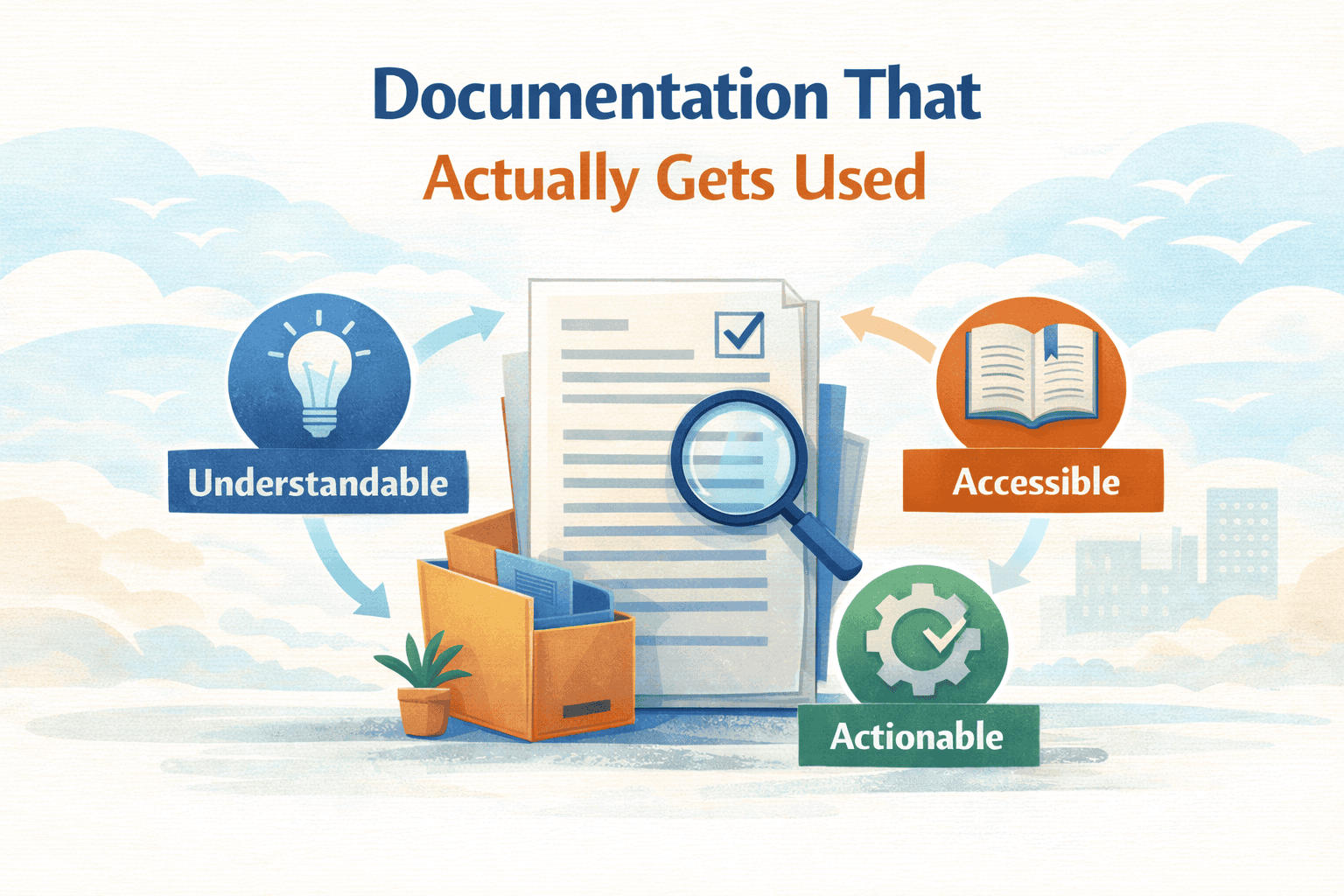
Documentation that actually gets used shares three characteristics: it’s concise, current, and easy to find. It answers specific questions at the moment of need rather than attempting to capture every possible detail.
Three levers you can pull immediately:
Write question-oriented docs. Frame every page as an answer to something real people ask. This is the sweet spot between thorough and practical.
Centralize and surface docs where people work. One home, goal-based navigation, optimized search.
Treat docs as living resources. Assign owners, schedule reviews, prune ruthlessly.
Pick one high-impact area this month—on-call runbooks, deployment guides, or onboarding materials—and apply these principles. Don’t try to fix everything at once. A few well-maintained, heavily-used pages are worth more than a sprawling wiki nobody trusts.
The world doesn’t need more unread docs. It needs docs that answer questions, build understanding, and help people implement what they need without hunting. That’s documentation worth creating.