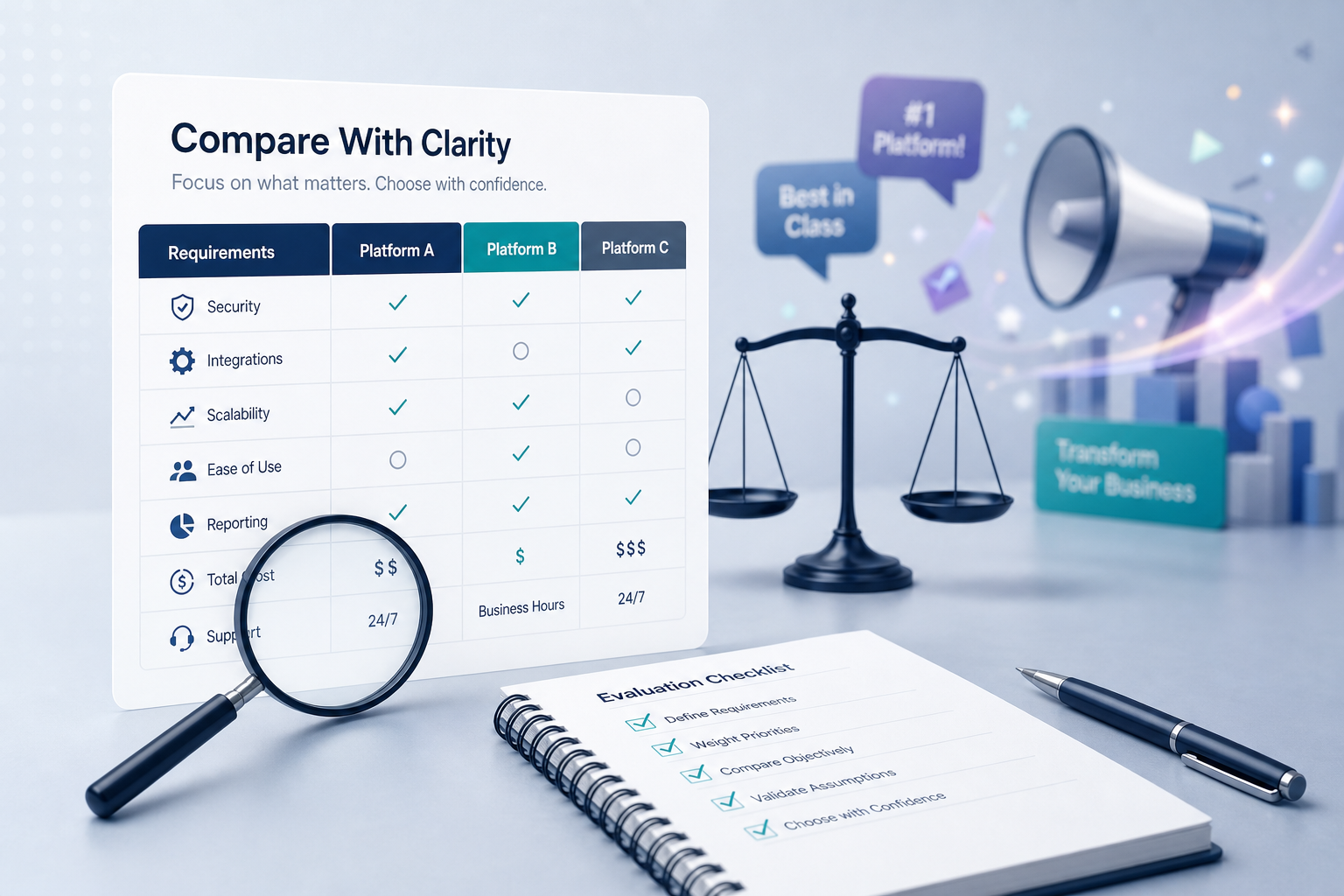
Every software vendor promises to transform your business. Bold claims, polished demos, and impressive case studies flood your inbox. The challenge is separating genuine value from marketing noise. A clear, structured approach lets you cut through the hype and find the right software for your specific needs.
Table of Contents
ToggleKey Takeaways
Start from your own business objectives, then define weighted criteria before you look at any software vendors or marketing automation platforms.
Validate vendor claims with user feedback, case studies, and real-world tests, not just feature pages and comparison charts.
Compare apples to apples by standardizing scope, time frame, pricing tiers, and usage scenarios across all software solutions.
A transparent, documented decision path makes the final decision easier to defend internally and repeat for future software comparison projects.
Defining your requirements before comparing software options helps ensure that you focus on solutions that meet your specific business needs rather than being swayed by marketing hype.
Quick Answer: A 5-Step Process to Compare Software Without Falling for the Hype
Here is a fast, skimmable method you can follow today. Each step includes intensity, risk, and skill notes so you know what to expect.
Define 3–5 concrete business outcomes (Low intensity, low risk, beginner-friendly): Write measurable goals like “increase qualified leads by 20% by Q4 2026” before naming any tools.
Create a weighted scorecard (Low intensity, medium skill): Turn outcomes into criteria with weights—deliverability 25%, CRM integration 20%, total cost of ownership 20%, usability 20%, support 15%.
Shortlist 3–5 platforms from neutral sources (Medium intensity, medium risk): Use analyst reports, peer recommendations, and independent directories instead of pay-to-play rankings.
Run 14–30 day structured trials (Higher intensity, moderate risk, needs practitioner input): Test each platform against the same real workflows, data volumes, and team members.
Score and choose (Low intensity, low risk): Rate each platform against your criteria, add qualitative notes from user feedback and case studies, and select the best fit rather than the flashiest marketing. As you evaluate your options, consider business scalability strategies for startups that align with your long-term vision. These strategies can help ensure that the selected platform not only meets your current needs but also supports future growth. Prioritizing flexibility and adaptability in your choice will position you for success as your business evolves.
What “Comparing Software Platforms” Really Means
Software comparison is more than browsing feature grids. Software vendor selection is the process of identifying and choosing the most suitable vendor or software solution that aligns with your organization’s specific business needs.
Software platforms include CRM systems, marketing automation platforms, data analytics tools, and finance systems that sit at the core of daily operations. Understanding platform adoption challenges requires a comprehensive approach to identify the barriers that organizations face. By examining user needs and ensuring that training and support are effectively provided, companies can smooth the transition to new systems. Ultimately, addressing these challenges enhances overall efficiency and maximizes the benefits of the technologies implemented. Incorporating datadriven customer engagement strategies can further improve organizational effectiveness by tailoring interactions based on client preferences and behaviors. By leveraging insights from data analytics, businesses can anticipate customer needs and deliver personalized experiences that foster loyalty. This proactive approach not only drives customer satisfaction but also strengthens the overall brand relationship.
A serious evaluation process weighs functionality, integrations, data model, security, user experience, and long-term vendor viability.
In 2026, subscription-based SaaS lock-in makes switching costs average $500K–$2M for mid-sized firms (IDC), so the stakes are high.
Marketing teams, IT, operations, finance, and end users should all have a voice because each group sees different risks and potential benefits.
1. Start With Your Own Objectives, Not Vendor Messaging
Write 3–7 measurable business goals with timelines before listing desired features. A clear, documented set of business objectives acts as a decision filter. For example: “reduce manual lead routing time by 50% by Q4 2026.”
Group goals by category: revenue growth, efficiency, compliance, customer experience.
These objectives become the lens for every vendor pitch, demo, and marketing campaign claim.
Anything that does not support a goal is a distraction.
Create a one-page “objective brief” that all stakeholders agree on and share with vendors so they tailor demos to your real needs.
2. Turn Needs Into Clear, Weighted Evaluation Criteria
Evaluating software requires examining functionality, usability, scalability, integration, support reliability, and security compliance. A structured evaluation process transforms subjective impressions into objective data.
List 10–15 criteria grouped into Core Features, Integrations, Usability, Security & Compliance, Total Cost of Ownership, and Vendor Stability.
Assign a weight (5%–25%) to each criterion based on its link to your business objectives.
A weighted scoring matrix should categorize must-have versus nice-to-have features, with higher weights assigned to critical business needs.
For marketing automation, criteria might include email deliverability, journey builder flexibility, CRM sync quality, and robust analytics.
Document what “Excellent,” “Acceptable,” and “Not acceptable” look like for each criterion.
Request service level agreements (SLAs) to understand uptime expectations and maintenance schedules.

3. Build a Neutral Shortlist Before Deep Dives
Limit your shortlist to 3–5 platforms that match must-have criteria. Studies show more than 5 options drop decision quality by 25%.
Utilizing independent review sites, such as G2, Capterra, or TrustRadius, helps in comparing software products side-by-side.
Many software comparison platforms operate on a pay-to-play model, which can introduce bias. Always check how each site makes money.
Use peer referrals, industry communities, and analyst reports as diverse, less-biased sources.
Note why each product made the shortlist, tying it to explicit requirements.
Exclude tools that do not support non-negotiable needs like required certifications or regional data residency.
4. See Through the Marketing: How to Read Vendor Claims Critically
Most vendor sites exaggerate by design. To avoid being misled by marketing claims, check for verifiable evidence and not just bold statements.
Treat claims like “increase ROI 300%” as hypotheses. Ask: “For whom, in what context, over what period?”
HubSpot’s 2024 analysis found such claims often cherry-pick 10% of users over 3 months.
Ask vendors for original case studies with sample size, industry, dates, and features used.
Separate generic benefits from differentiators. If every platform says “omnichannel marketing automation,” it is not useful for comparison.
Convert vague phrases (“AI-powered”) into precise questions for demos and RFPs.
Capture a table of vendor claims versus evidence with links to independent benchmarks.
5. Compare Features and Workflows, Not Just Feature Checklists
Feature checklists mislead because testing how software features function in real-world scenarios is crucial. Two marketing automation platforms may both “have” lead scoring, but one may require complex configuration while another offers drag-and-drop logic.
Use feature tables only as a first filter, then move to workflow comparisons based on real tasks.
Test workflows like setting up a nurture sequence, building a lead-scoring model, or generating a monthly ROI report.
Ask vendors to demo using your own sample data and existing CRM where possible.
Document how many steps and how much time each workflow takes in each platform.
6. Understand True Cost: Looking Beyond the Sticker Price
When comparing software, it is essential to understand the total cost of ownership, which includes not just the base subscription price but also hidden costs tied to additional features or user limits.
Map all cost elements: base subscription, add-ons (extra contacts, advanced features, premium support), implementation, and training.
Use a 3-year or 5-year projection accounting for growth in contacts, data volume, and team size.
Ask vendors for precise breakpoints where pricing jumps (e.g., above 100,000 contacts).
Hidden non-cash costs include internal team time on setup, migration, and maintenance.
Compare apples to apples by standardizing the same usage assumptions for every platform.
7. Use Real User Feedback and Case Studies as Reality Checks
Using qualitative insights alongside quantitative data allows for a clearer understanding of how products perform in real-world scenarios. Asking current clients for technical references provides insights into performance with similar user loads.
Read reviews filtered by industry, company size, and region similar to your own environment.
Look for repeated themes across dozens of reviews: “steep learning curve,” “unreliable support,” or “excellent automation flexibility.”
Request recent (2023–2026) case studies from vendors matching your vertical.
Prepare 5–7 standard questions for reference customers focusing on implementation time, unexpected costs, and support quality.
User feedback often reveals issues like reporting limitations that never appear in marketing materials.
8. Run Structured Trials That Mirror Real Life
Unstructured demos create false confidence. Conducting a Proof of Concept (POC) or Minimum Viable Product (MVP) test is important to evaluate software performance in a real environment.
Plan a 14–30 day pilot for each shortlisted tool where the same team runs the same predefined tasks on the same sample data.
Set 3–5 success metrics: “time to set up a marketing campaign,” “error rate,” “user satisfaction score.”
Assessing scalability testing ensures that the software can handle increased workloads and grow with your business.
Use a sandbox or test environment for critical systems to avoid impacting live customers.
Hold debrief sessions after each trial where testers review findings against original evaluation criteria.

9. Compare Apples to Apples: Normalizing Your Data and Assumptions
Fair comparison requires consistent assumptions. Creating a structured table or scorecard that lists core criteria and scores each software product against them transforms subjective impressions into objective data.
Standardize inputs: same number of users, contacts, emails per month, automations, and integration capabilities.
Build a comparison matrix listing each platform against core features, integrations, support options, security certifications, and cost. When analyzing the advantages and disadvantages of different options, it’s essential to consider how choosing digital platforms for businesses aligns with your overall strategy. Evaluate user feedback and case studies to gain insights into performance and user satisfaction. Additionally, assess the scalability of each platform to ensure it can grow with your business needs. It’s also important to evaluate digital platform features that enhance collaboration among team members and streamline workflows. Consider how intuitive the user interface is, as this can significantly affect adoption rates within your organization. By prioritizing these aspects, you set a foundation for a successful implementation that meets both current and future demands.
Note any differences in demo scope (e.g., if one vendor integrated with the CRM but another did not).
Using quantitative data, such as feature and attribute ratings, allows for direct comparisons of important product dimensions.
This approach prevents a strong but narrow feature from overshadowing weaknesses that matter more.
10. Make and Document the Final Decision
The final decision should feel methodical, not rushed. Involving IT, security, and end-users in the evaluation process provides a comprehensive view of software options.
Score each platform against weighted criteria and add a narrative summary capturing context, risks, and assumptions.
Hold a decision meeting where the scorecard, trial results, user feedback, and cost analysis are reviewed together.
Document why the chosen platform won in a short decision memo for future audits and renewals.
Outline a 90-day onboarding plan to turn comparison work into concrete next steps.
This documentation can be reused for the next software comparison project, saving time in the long run.
Comparison Table: How Different Evaluation Techniques Stack Up
The table below shows how common research methods compare. Deeper methods like structured trials require more effort but significantly reduce decision risk.
Technique | Intensity (Time/Effort) | Risk of Bias | Best For |
|---|---|---|---|
Marketing site review | Low | High | Initial ideas only |
Feature checklist | Low–Medium | Medium | Quick filtering |
User review analysis | Medium | Low | Reality check |
Structured pilot/trial | High | Low | True fit validation |
TCO analysis | Medium–High | Low | Cost reality |
Relying only on low-intensity techniques like reading vendor pages carries high bias and should never stand alone.
Special Considerations When Comparing Marketing Automation Platforms
Marketing automation platforms have unique pitfalls. According to industry data, 40% of failures stem from integration issues.
Pay close attention to deliverability (test via Mail-Tester, target >9/10), contact limits, and email marketing volume caps.
Integration capabilities matter deeply—test real-time CRM sync, custom field support, and bi-directional updates.
Test specific workflows like abandoned cart flows, lead nurture sequences, and multi-channel campaigns during free trials.
Many platforms advertise “AI personalization” without clear performance metrics. Demand concrete benchmarks.
Review case studies about onboarding complexity. Average setup takes 4–12 weeks, and 25% of teams underestimate this.
FAQ
How long should a serious software comparison project take?
For a core platform like CRM or marketing automation, a realistic timeline is 6–12 weeks including requirements gathering, shortlisting, trials, and decision. Smaller tools can often be evaluated in 2–4 weeks. Build a simple project plan with milestones to move your business forward without dragging on.
Who should be involved in comparing software platforms?
At minimum, include a business owner (e.g., head of marketing), an IT or data representative, and a few daily end users. Involve finance for total cost and contract review. Including real end users early surfaces practical issues and provides valuable insights that marketing materials never mention.
How do I avoid internal bias toward a familiar or popular tool?
Use anonymized scorecards during early rounds so teams rate “Option A/B/C” without brand names. Enforce the rule that all opinions must tie back to documented criteria and trial evidence. Assign a neutral facilitator to keep discussions grounded in data, not internal politics.
How often should I revisit a major platform decision?
For core systems, conduct a light review every 12 months and a deeper market scan every 3–5 years. Monitor signs the platform is falling behind: missing key integrations, poor support, or stagnant updates. Plan upgrades around clear tipping points rather than constant switching.
What if the chosen platform does not meet expectations after rollout?
Define explicit success metrics during contract negotiation so underperformance is measurable. Work through support channels first, documenting all requests. Prepare a fallback option and exit strategy—including data export formats and timelines—before signing to ensure your organization is not trapped.