Table of Contents
ToggleKey Takeaways
Roughly half of U.S. organizations operate between 50 and 200 SaaS applications, highlighting the scale of the challenge and how tool sprawl now slows work more than it helps.
Organizations can waste up to a third of total IT spend on redundant or abandoned software.
Tool sprawl and work sprawl are linked but distinct: tool sprawl is about the stack, work sprawl is about scattered tasks across email chains, chat threads, and spreadsheets.
The main business impacts include slower decision making, higher costs—including the hidden cost of increased complexity, security risks, and management inefficiencies—and employee burnout from constant context switching.
Consolidation is not about one tool for everything but about fewer, better-connected systems of record with clear roles.
This article provides a practical playbook to diagnose sprawl, prioritize consolidation, and design governance so the problem doesn’t return.
Introduction: When More Tools Start to Mean Less Productivity
Picture an IT or operations lead in 2026 juggling 12+ logins just to answer a basic status question: “Where is this customer’s order stuck?”
Current estimates show typical organizations run between 50 and 200 SaaS apps, and some tech-forward companies exceed 300. Most of these tools were added with good intentions—specialization, speed, flexibility—but over time the stack turned into a maze of too many systems and disconnected tools, each contributing to operational complexity.
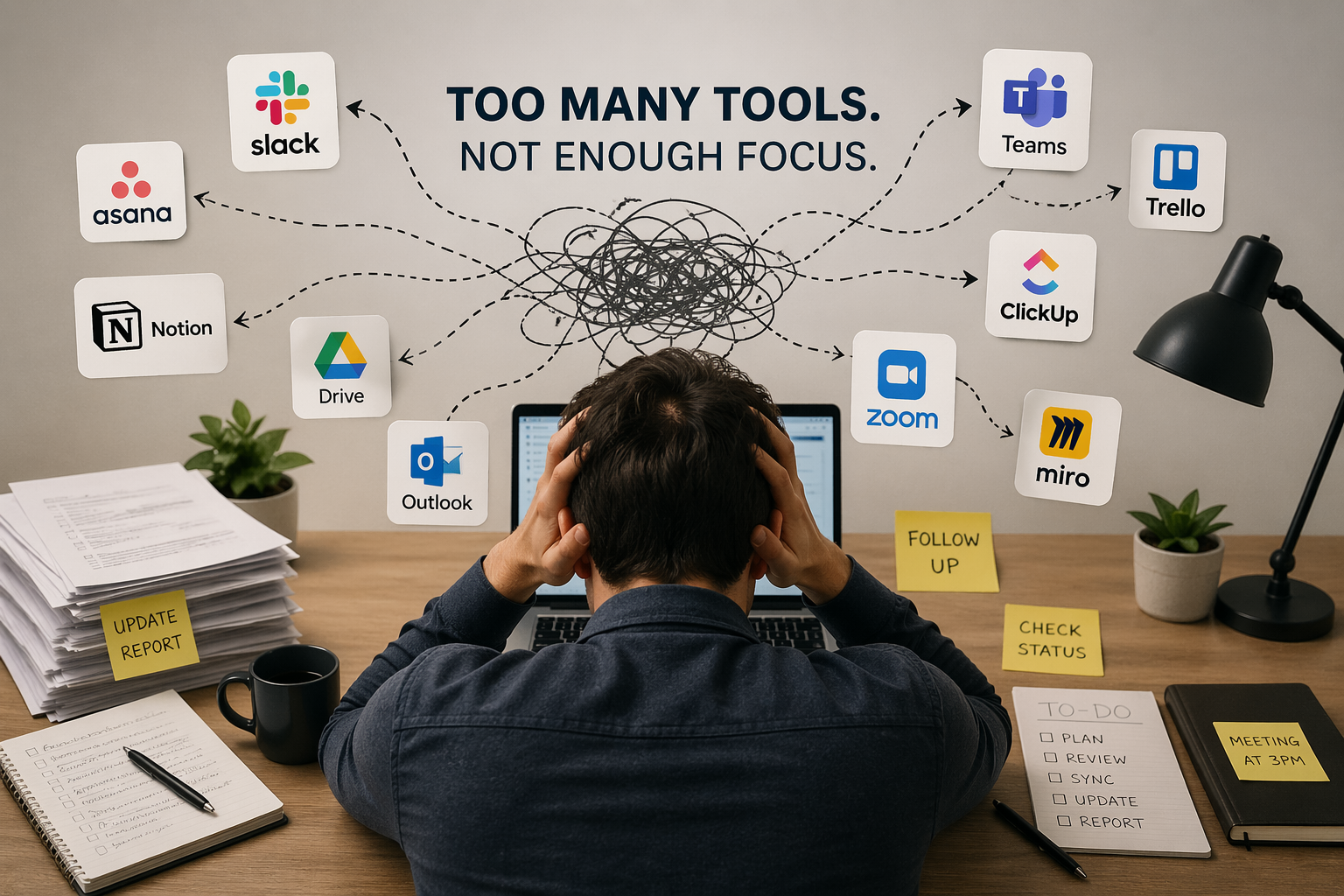
Tool sprawl describes what happens when too many platforms start slowing work instead of supporting it. The original promise of SaaS was agility, real time visibility, and automation. The reality? Employees spend their day bouncing between disconnected systems, forcing teams to create workarounds in plain sight.
Organizations often struggle to distinguish between work sprawl and tool sprawl because both issues manifest as overwhelming complexity in daily operations.
The goal here is to understand how tool sprawl happens, what it really costs, and how to unwind it without freezing innovation.
What Is Tool Sprawl, and How Is It Different from Work Sprawl?
Tool sprawl means too many overlapping, poorly integrated platforms across one organization. Think three ticketing tools, four reporting tools, five collaboration apps—all doing variations of the same task.
Work sprawl is different. It’s the scattering of tasks and ownership across email, chat, spreadsheets, side apps, and personal notes.
Type | Root Cause | Example |
|---|---|---|
Tool Sprawl | Technology/architecture issue | Support team using Zendesk, Jira, and Slack for one incident |
Work Sprawl | Process/ownership issue | Same incident being chased in DMs, email chains, and hallway conversations |
Employees usually experience both problems at once, which makes it hard to identify whether the root cause is too many tools or unclear workflows.
How Tool Sprawl Happens (Almost) Every Time
Nobody wakes up and decides to run 150 apps. Tool sprawl happens via dozens of local decisions over 3-5 years.
Bottom-up adoption: Different teams trial and buy SaaS with just a credit card to solve specific problems. A marketing team adds yet another analytics tool in 2022.
Top-down projects: Leadership buys a new platform (CRM or ITSM) while legacy systems never fully get decommissioned, creating overlap. this often leads to confusion among employees and inefficient processes. selecting ideal digital tools for business becomes essential to streamline operations and enhance productivity. By thoroughly evaluating the needs of the organization, leadership can ensure that the tools implemented will effectively support the workforce and drive growth.
Mergers and acquisitions: Each acquired unit brings its own stack. Rationalization lags behind integration timelines.
Vendor bundling: Teams start using “free” tools inside suites casually—adding a second chat tool because it’s included with existing licenses.
One composite example: an IT team went from 25 tools in 2018 to 120+ different systems by 2026, largely without a formal strategy. Each addition made sense at the time. The accumulation didn’t. This highlights the need for effective growthoriented platform stack strategies that align with long-term objectives. By establishing a cohesive approach, IT teams can avoid unnecessary complexity and ensure that each tool contributes to overall productivity and efficiency. Emphasizing a strategic framework allows organizations to adapt to evolving technological demands while maintaining clarity in their operational processes.

The Hidden Costs When Too Many Platforms Start Slowing Work
License fees are the most visible cost, but far from the largest. Time, risk, and missed opportunities add up faster.
Productivity loss: Research shows technicians spend up to 25% of their day on context switching between multiple systems. That’s $21,600 per tech per year in lost productivity.
Data silos: Customer data split across CRM, support, billing, and product analytics means no trustworthy source of truth, hurting reporting and AI initiatives.
Security and compliance risk: Every extra SaaS app adds more identities, permissions, and integrations. Shadow IT expands the attack surface.
Onboarding overhead: New hires in 2026 need weeks just to learn which current tools to use for what, slowing ramp time.
Financial waste: Overlapping subscriptions, unused seats, and shelfware that never gets fully adopted.
Here’s a concrete example: 10 minutes of extra tool-juggling per person per day in a 500-person org scales to roughly 41,000 hours yearly—equivalent to 20 full-time employees doing nothing but switching between apps.
How Tool Sprawl and Work Sprawl Reinforce Each Other
Fragmented tools create gaps that people patch with manual effort. The messy workflows then justify adding yet more tools. It’s a vicious cycle.
Disconnected platforms push employees to copy/paste between fragmented systems, track status in spreadsheets, or chase follow ups in chat. A cohesive strategy that focuses on platform implementation success factors can streamline these processes and eliminate redundancy. By ensuring that all systems are seamlessly integrated, organizations can boost productivity and enhance communication. Ultimately, this allows employees to allocate their time and energy toward more meaningful tasks rather than administrative hurdles. Implementing effective strategies for seamless platform transitions is essential for organizations looking to enhance their operational efficiency. By investing in training and support for employees during these transitions, businesses can minimize disruption and foster a more adaptable workforce. This proactive approach not only smooths the integration process but also empowers employees to embrace new technologies with confidence.
Once people lose trust in where “the truth” lives, they start building personal systems (Notion docs, private Trello boards), increasing invisibility for managers.
Leadership sees a “productivity” issue and responds by adding another new tool promising automation—making the stack worse.
A simple mental model: if you’re confused about where work lives, you have work sprawl. If you’re confused about which app to open, you have tool sprawl. Most organizations have both.
Warning Signs That Your Tool Stack Is Slowing Work
Many organizations underestimate the sprawl problem because teams keep “making it work” with heroic efforts.
Watch for these signals:
Too many logins for basic tasks: Employees need 5+ separate tools just to close a support ticket or onboard a new hire
Nobody trusts the numbers: Sales, finance, and operations dashboards disagree, and meetings devolve into debating which report is right
Shadow systems everywhere: Critical processes run in spreadsheets because official tools are too slow or complex
Redundant tools by function: Multiple apps doing the same job (three survey tools, two ITSM platforms) with no clear rationale
Rising burnout: Engagement surveys and exit interviews mention tool fatigue and too many channels
These warning signs highlight how tools affect team efficiency, effectiveness, and overall organizational performance, especially in environments where observability is critical.
Collaboration overload occurs when employees are overwhelmed by too many inputs across various channels, leading to fragmented workflows and reduced productivity. Metrics such as the number of active collaboration tools per user, message volume by channel type, and meeting hours per week can help identify inefficiencies caused by collaboration overload.
Why Consolidation Is Becoming Non-Negotiable in 2026
Three realities are driving consolidation pressure:
Cost control: CFOs and CIOs are running SaaS audits and expecting year-over-year reductions in overlapping tools
Security and governance: Regulators ask sharper questions about vendor ecosystems, data residency, and access controls—a chaotic stack is unacceptable
AI and automation: LLMs and analytics are only as good as the data they can access; fragmented tools limit 2024-2026 AI investments
Operational resilience: Fewer, better-integrated platforms reduce outage blast radius and simplify incident response
The emphasis should be on smart consolidation—fewer systems of record with clear roles—not an unrealistic promise of one platform for everything.
How Vendors Are Responding to Tool Sprawl
The market is shifting toward platforms and ecosystems rather than isolated point solutions.
Many vendors are expanding into suites (combining ticketing, asset management, and automation) to become central hubs. Some platforms, such as Microsoft Dynamics 365 ERP, integrate supply chain management alongside other core business functions to enhance operational efficiency.
Integration marketplaces and native APIs let key platforms connect without brittle custom code
Unified data models and “customer 360” concepts promise a single data layer for analytics, automation, and AI
Built-in governance features (role-based access, audit logs, approval workflows) are becoming differentiators
When you choose tools, look for these capabilities rather than adding more complexity to your environment.
Practical Steps to Reduce Tool Sprawl Without Freezing Innovation
This isn’t about big-bang replacement. It’s an iterative clean-up over 6-18 months.
Step | Action |
|---|---|
Audit the current stack | Catalog tools by owner, function, users, integration points, and monthly cost |
Map tools to workflows | Connect apps to end-to-end processes like incident management or customer onboarding. Employees experience a productivity loss ranging from 9% to 40% due to context switching and cognitive load. |
Identify redundancies | Spot overlapping tools and apps with low logins or no clear use case |
Define systems of record | Choose one platform per domain (one CRM, one HRIS, one ticketing system) |
Set decision rules | Require integration plans, sunset plans, and executive sponsors before onboarding software |
Sequence consolidation | Start with easy wins, then tackle higher-pain areas |
Reducing tool sprawl helps teams maintain focus by minimizing distractions and context switching, leading to a more productive and collaborative workplace.

Designing Better Workflows So Tools Actually Speed Work Up
Tool reduction alone won’t fix slow work if underlying processes remain messy.
Map current workflows end-to-end for common processes (incident response, new hire onboarding)
Clarify ownership: every step needs a clearly accountable role, not “everyone” or “the team”
Choose a single system of record per workflow tool
Remove unnecessary steps and manual reconciliation; produce lightweight guides
Support people through training, office hours, and clear plan communications
Measuring Whether Your Tool Stack Is Helping or Hurting
What gets measured gets managed. Most companies never quantify tool overhead.
Track these metrics:
Tool metrics: Number of active apps, average tools per user, usage concentration
Workflow metrics: Cycle time for key processes before and after consolidation
Employee experience: Survey questions about ease of finding information and perceived tool overload
Risk indicators: Error rates and security incidents tied to misconfigured tools
Set a 12-18 month target to reduce overlapping tools by a specific percentage while improving at least one core cycle-time metric.
Keeping Tool Sprawl from Coming Back
Tool sprawl is not a one-time clean-up. It requires ongoing governance.
Establish a lightweight SaaS review board including IT, security, finance, and business stakeholders
Standardize procurement paths: no more “swipe a card and go” for tools touching customer data
Set clear platform defaults for chat, project tracking, documentation, and service management
Schedule quarterly reviews of the application portfolio to identify new overlaps
Encourage a culture that asks “Can we do this with existing systems?” before exploring new vendors
FAQ
How many tools is “too many” for a modern organization?
There’s no universal number. Most mid-sized companies (200-1,000 employees) benefit from rationalizing once they exceed 80-120 distinct SaaS apps. The better question is whether people are confused about where to go for specific tasks, and whether overlapping tools exist for the same job.
Isn’t specialization important? Won’t consolidating tools hurt flexibility?
Specialized tools can be valuable for expert teams like security or data science. Smart consolidation focuses on reducing unnecessary overlap, not eliminating every niche tool. Keep specialized tools where they add measurable value; standardize on shared platforms for common workflows.
How long does a realistic tool consolidation effort take?
Many organizations can run a meaningful first wave in 3-6 months (audit, quick wins, basic governance) and complete deeper changes over 12-18 months. Avoid big-bang cutovers. Phase by process area to reduce disruption.
Who should own the effort to reduce tool sprawl?
Ownership sits best with a cross-functional group: IT leaders, security, finance, and representatives from major business units. Appoint a clear executive sponsor (CIO, COO, or CFO) to align priorities and ensure decisions stick.
Should we build custom integrations or replace tools entirely?
It depends on strategic value and adoption. High-value, widely-used systems merit solid integrations. Low-usage or overlapping tools are candidates for retirement. Consider long-term maintenance costs of custom integrations versus standardizing on fewer platforms.